
Hermes OV4.10.1 - Google Play
You'll be able to see results in few seconds.
Publisher Description
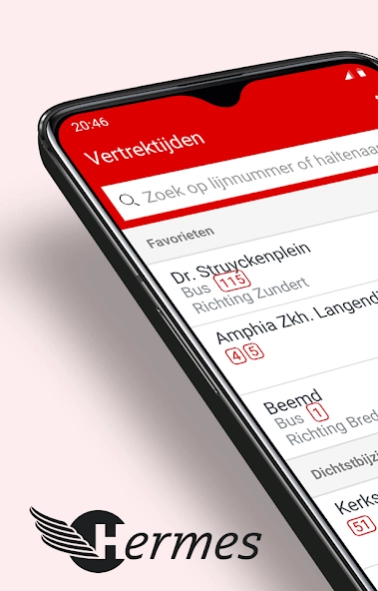
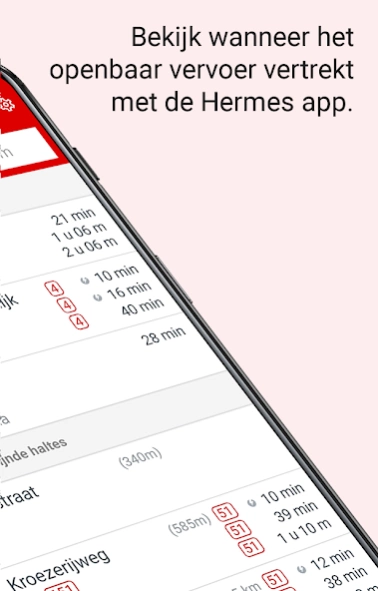
The Hermes OV app, all current travel information at hand!
The Hermes OV App you live departures at hand. Using your GPS location, the app determines which stops in your area are. You see immediately whether you go ride on time.
You can easily search the App to stop name, bus or a geographic location in the map. At each stop you can see which lines stop there. At each bus stop you see the bus for each direction at the stops.
* Because of the Google Play Store institutions requesting this app access to your photos, or media files. This is not to obtain information regarding your media files, but only to obtain temporary additional memory storage. Without this access, it is simply not possible to display maps with stops, lines and vehicles.
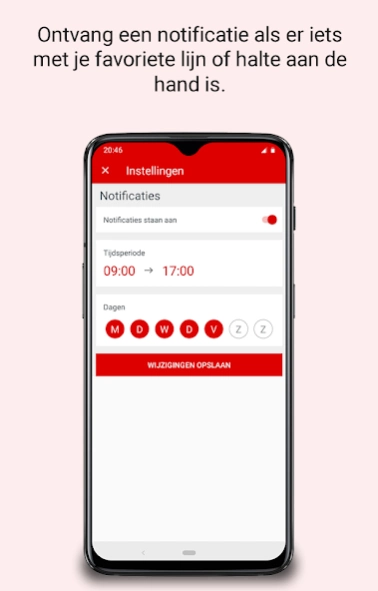
The App can be bus stops or set a bookmark. You can by bus indicate whether you wish to receive a notification for current travel information (about detours and obstructions for example). That can per line, per day and set time segment.
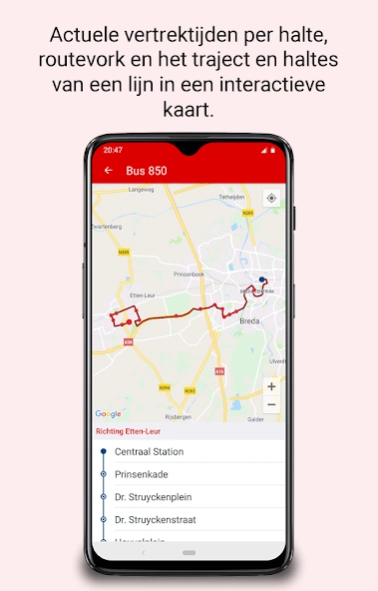
If you choose a station or line, you see the buses back on the map. The actual position of the buses is updated very frequently.
The planner can request a travel advice from your current location or a home address selected for each destination in the Netherlands. For bus, tram, metro, train, ferry and walk.
In "Detours" is an overview of planned and unplanned disruptions or detours by bus.
Under Support you will find contact information and a feedback form.
About Hermes OV
The company that develops Hermes OV is Connexxion Nederland N.V.. The latest version released by its developer is 4.10.1.
To install Hermes OV on your Android device, just click the green Continue To App button above to start the installation process. The app is listed on our website since 2022-01-03 and was downloaded 0 times. We have already checked if the download link is safe, however for your own protection we recommend that you scan the downloaded app with your antivirus. Your antivirus may detect the Hermes OV as malware as malware if the download link to com.equatior.hermes is broken.
How to install Hermes OV on your Android device:
- Click on the Continue To App button on our website. This will redirect you to Google Play.
- Once the Hermes OV is shown in the Google Play listing of your Android device, you can start its download and installation. Tap on the Install button located below the search bar and to the right of the app icon.
- A pop-up window with the permissions required by Hermes OV will be shown. Click on Accept to continue the process.
- Hermes OV will be downloaded onto your device, displaying a progress. Once the download completes, the installation will start and you'll get a notification after the installation is finished.
Program Details
System requirements
Download information
Pricing
Version History
version 4.10.1
posted on 2022-01-03
Deze update omvat de toevoeging van Stappover, die eerder als losse app beschikbaar was in de store.
Meer informatie over de Stappover functionaliteit vind je op onze website.
version 4.10.1
posted on 2022-01-03
Deze update omvat de toevoeging van Stappover, die eerder als losse app beschikbaar was in de store.
Meer informatie over de Stappover functionaliteit vind je op onze website.
Disclaimer
Official Google Play Link
We do not host Hermes OV on our servers. We did not scan it for viruses, adware, spyware or other type of malware. This app is hosted by Google and passed their terms and conditions to be listed there. We recommend caution when installing it.
The Google Play link for Hermes OV is provided to you by apps112.com without any warranties, representations or guarantees of any kind, so access it at your own risk.
If you have questions regarding this particular app contact the publisher directly. For questions about the functionalities of apps112.com contact us.
